SM-Tier
Editor
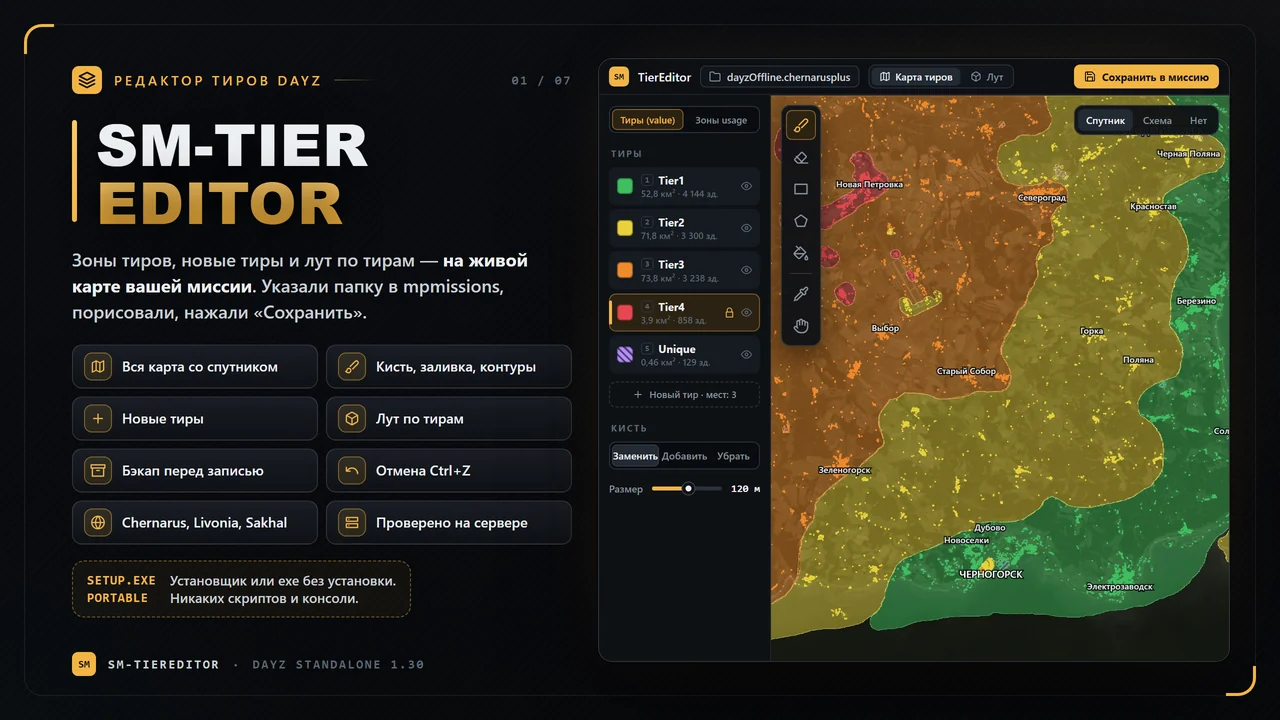
A tier zone editor for your mission: the whole map with satellite imagery, zones painted with a brush and fill, new tiers and loot per tier — no hand-editing of areaflags.map and XML. Point it at the folder in mpmissions, paint, press “Save”.
What it can do
How to use it
- Download and runInstaller or portable version — no Python, scripts or console.
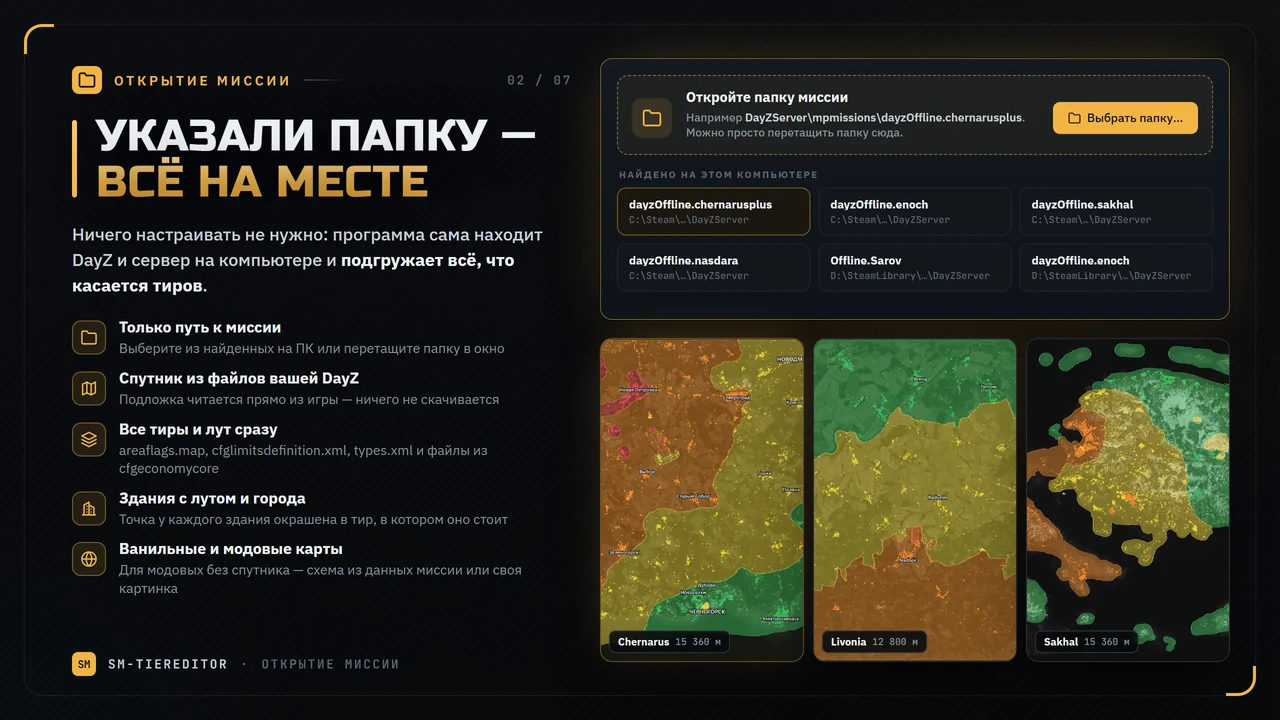
- Choose the mission folderFor example mpmissions\dayzOffline.chernarusplus — the map, tiers and loot load by themselves.
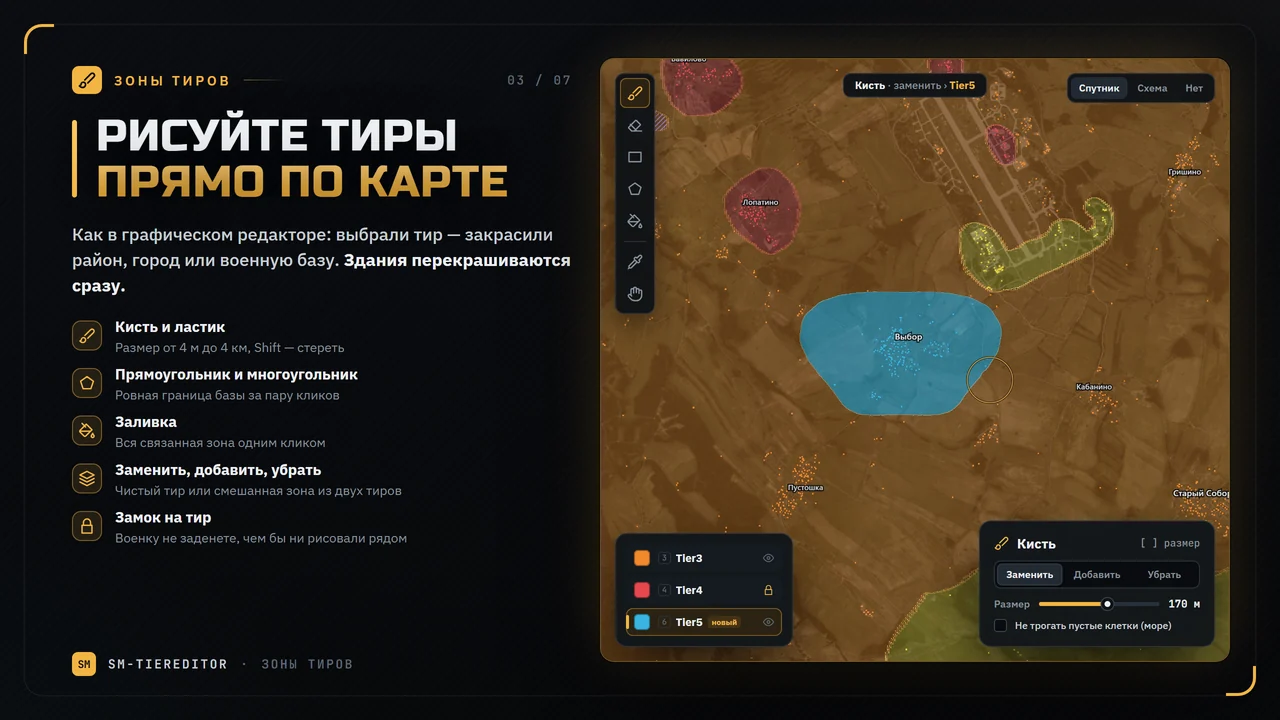
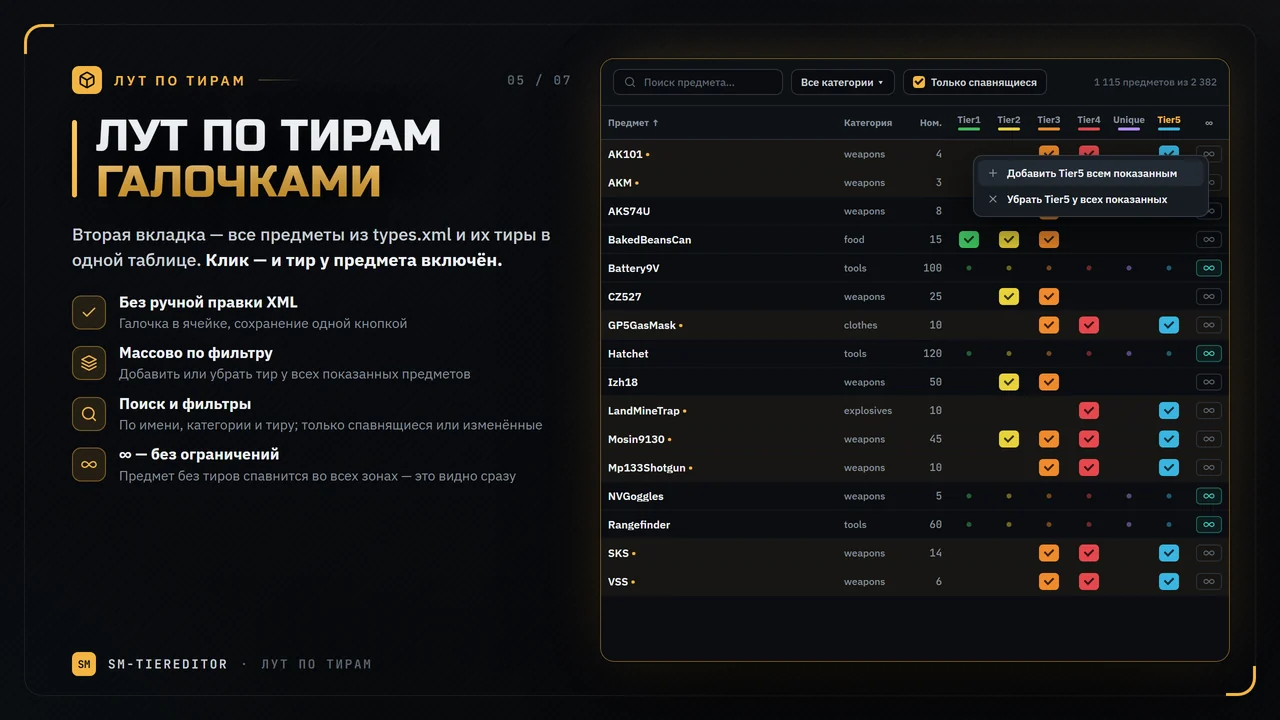
- Paint the zonesPick a tier on the left and paint a town or a base. Tick the items on the “Loot per tier” tab.
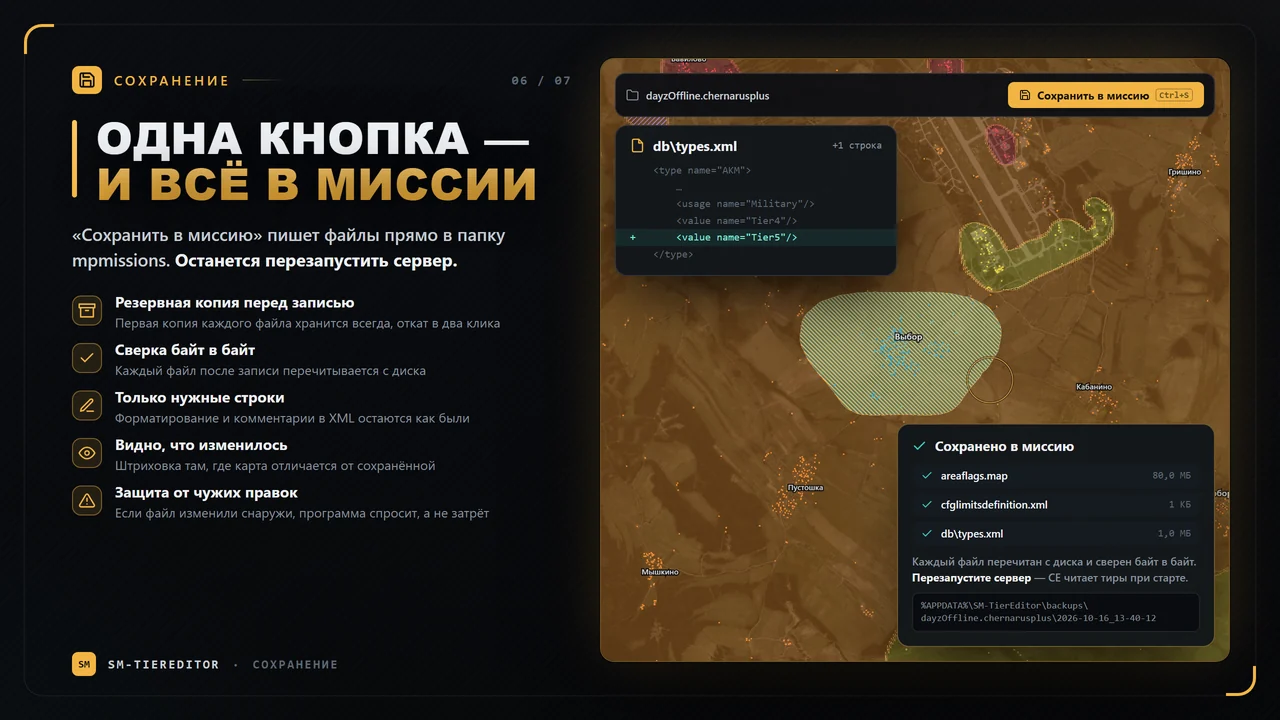
- Save to the missionThe files are written straight into the folder, with a backup. Restart the server — done.
Good to know
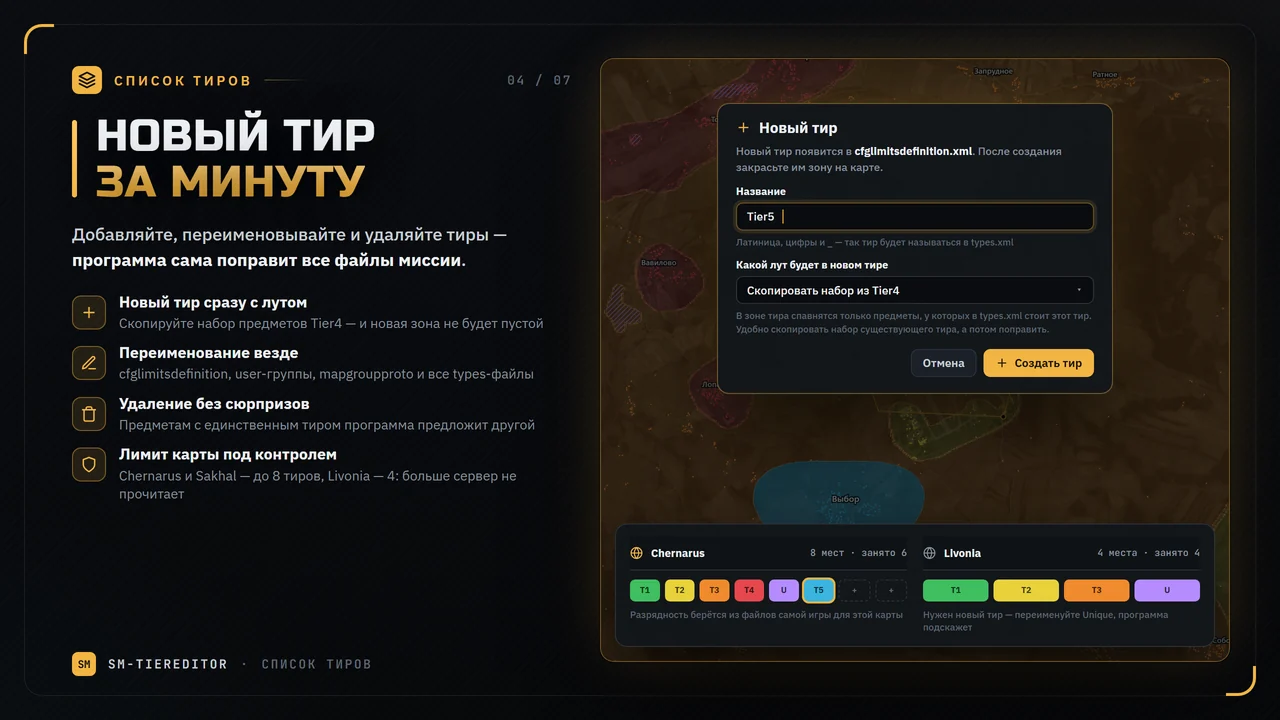
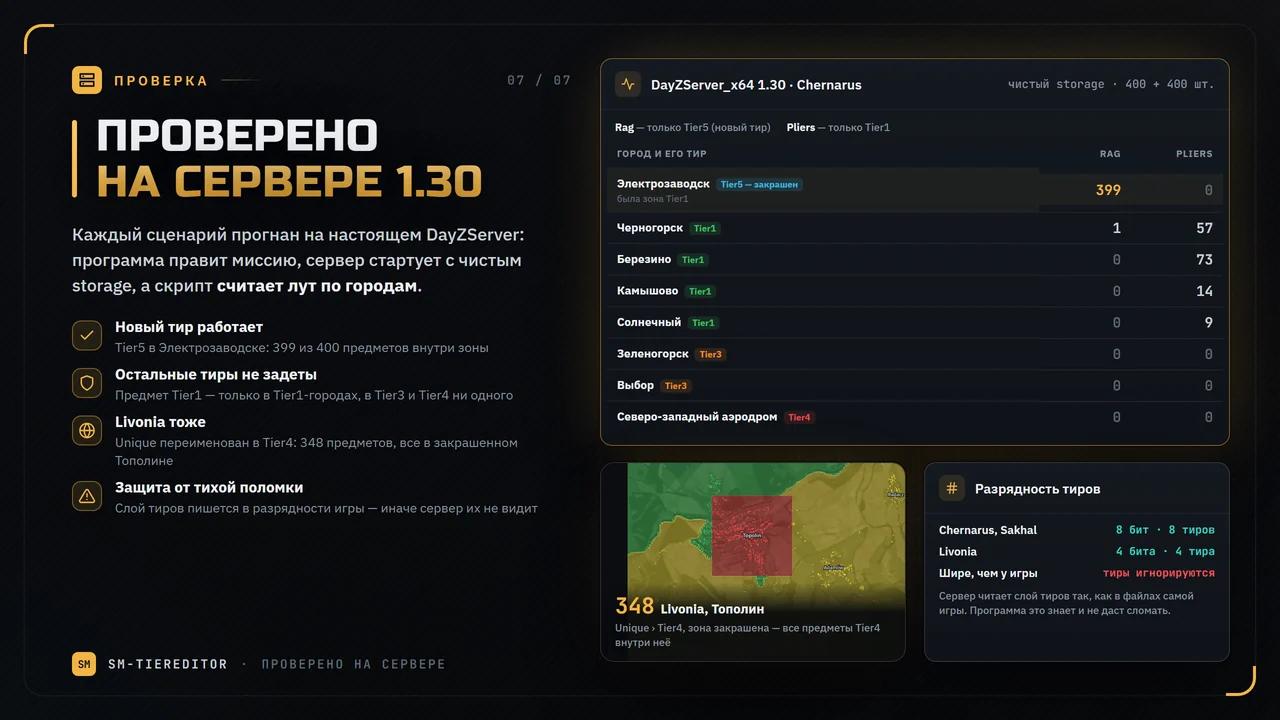
The game decides: Chernarus, Sakhal and Nasdara hold 8 tiers including Unique (3 more can be added), Livonia holds 4, all taken. The server reads the tier layer at the map’s native bit depth, so the program will not let you break it.
Taken from your installed DayZ — nothing is downloaded. Without the game client or on a modded map the program shows a scheme from the mission data, and you can put your own picture under it.
areaflags.map, cfglimitsdefinition.xml and the types files (renaming a tier also touches cfglimitsdefinitionuser.xml and mapgroupproto.xml). Only the needed XML lines are edited.
Open a copy of the mission on your PC, save, and upload the changed files to the server. Backups are kept in %APPDATA%\SM-TierEditor\backups.